If you’ve been trying to break into the cozy kitchen or farmhouse printable niche on Etsy or KDP — and you’ve hit the wall of frustrating AI images that look nothing like what you imagined — this Cozy Kitchen Printable Prompt Studio review is worth reading before you spend another hour on trial and error.
The promise is bold: go from a vague product idea to a complete, print-ready AI image prompt in under 10 minutes, with no design skills and no prompt engineering experience required. For beginners especially, that sounds almost too good. So let’s look carefully at what’s actually inside and whether it can deliver on that promise for someone just starting out.
What Is Cozy Kitchen Printable Prompt Studio?
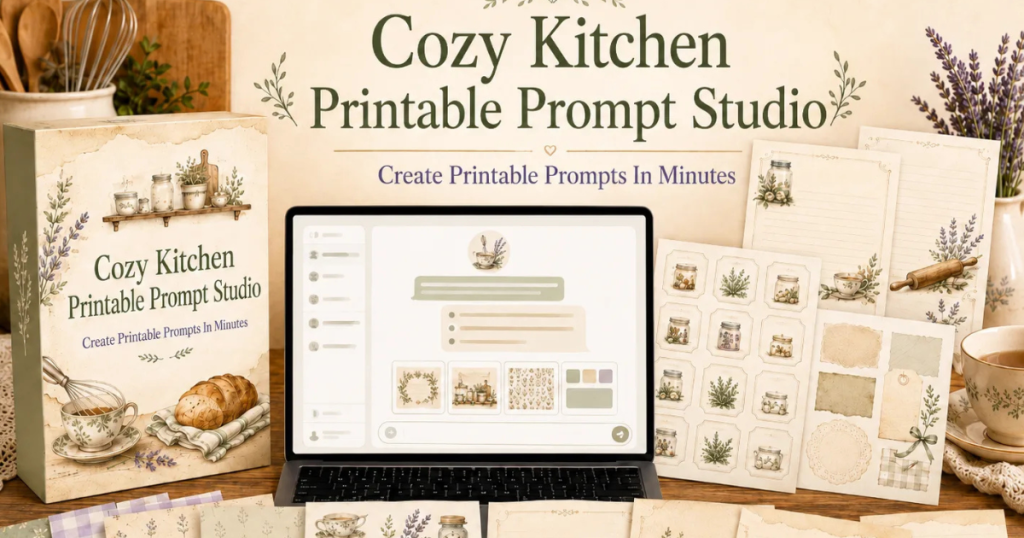
Cozy Kitchen Printable Prompt Studio is a Custom GPT built on top of ChatGPT Plus. It was designed specifically — and exclusively — for creators of cozy kitchen, farmhouse recipe, and vintage-style printable products. That specificity is the whole point. Rather than a general-purpose AI prompt guide, this is a purpose-built system calibrated for one niche: recipe cards, pantry labels, kitchen clipart, junk journal ephemera, scrapbook paper, and similar digital products sold on Etsy, Gumroad, Creative Market, and KDP.
You access it directly inside your ChatGPT Plus account. No plugins, no setup, no coding. The creator built it after spending weeks of painful trial and error writing AI prompts herself — getting beautiful but completely unsellable images — and eventually systematizing everything that worked into a repeatable, guided process.
Who Built This and Why It Matters for Beginners
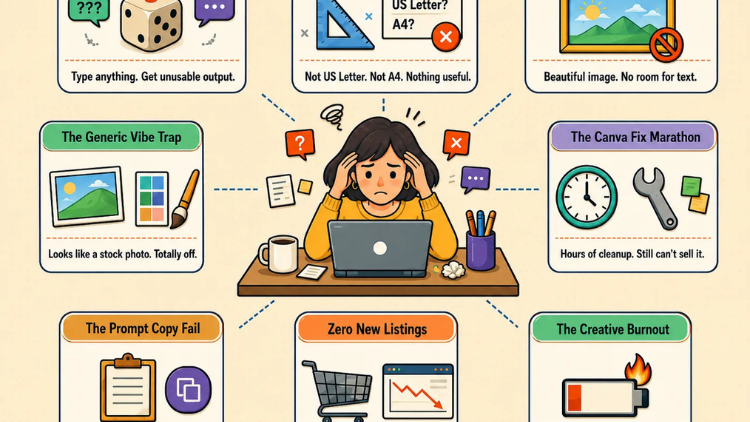
The creator describes spending her early weeks writing hours of prompts and getting images that were wrong in every practical way — wrong aspect ratio, no space for text, inconsistent style, random words embedded in the background. Sound familiar?
She couldn’t find a resource designed for printable product creators specifically, so she tested hundreds of combinations across ChatGPT Plus, documented what worked, and turned it into a structured system. That origin story matters for beginners because it means the tool was built to solve exactly the problems beginners run into. She wasn’t building for advanced prompt engineers. She was building for someone who knows what they want to create but has no idea how to communicate that to an AI.
How It Works — The 3-Step Process
The process is genuinely approachable for someone with zero experience.
Step 1: Tell it what you’re making. You share your product idea in plain language — one sentence is enough. The Studio handles all the technical decisions from there.
Step 2: Answer 10 focused questions. The Studio walks you through one question at a time: product type, visual style, color palette, dimensions, text placement, layout, and decorative elements. There’s no overwhelm because you’re never asked to make multiple decisions at once.
Step 3: Receive your complete prompt package. You get a fully structured output — a Selected Setup summary, a Main Image Prompt, a Negative Prompt, and a Canva Note explaining how to use the image afterward. Copy it, paste it into ChatGPT, and generate.
There’s also a Fast Mode: type “quick mode” or “auto mode” and the Studio skips all the questions, selects smart defaults, and delivers a prompt in seconds. This is especially useful once you’re comfortable with the tool and want to batch-produce listings.
Features Breakdown — What’s Actually Included
The coverage inside the tool is genuinely wide for a $14 product:
10 product types: Recipe cards, recipe journal pages, recipe binder inserts, pantry labels, spice jar labels, kitchen gift tags, baking planner pages, kitchen clipart, junk journal ephemera, and scrapbook paper.
11 visual styles: Vintage Farmhouse, Soft Watercolor, French Country, Cottagecore, Shabby Chic, Minimal Neutral, Retro 1950s, Rustic Parchment, Elegant Botanical, Cute Cozy Cartoon, and Clean Modern Canva.
9 color palette systems: Pre-built combinations ranging from Cream/Beige/Warm Brown to Dusty Blue/Warm Linen/Navy, all curated for the cozy kitchen market.
Two style modes for different audiences: A Kid version with bright, playful cartoon styles for children’s products, and an Adult version with elegant vintage farmhouse aesthetics for the primary market.
Negative Prompt Library: Pre-built negative prompts for every product type that automatically block watermarks, logos, misspelled embedded text, blurry details, and messy layouts. For beginners this is a significant time-saver — you don’t have to learn what negative prompts are or how to write them.
Canva Editing Notes System: Every output includes specific guidance on where to add text boxes, how to preserve margin areas, and how to export for print quality. Again, beginner-critical — you don’t have to figure out Canva integration on your own.
Print-format awareness: The system knows the difference between US Letter, A4, square, and half-page formats and specifies margins, bleed areas, and text-safe zones automatically. Most beginners don’t even know to think about these things — and that’s exactly why their first AI images are unusable.
Is This Beginner-Friendly? The Honest Answer
The FAQ addresses this directly: “This tool was specifically designed with beginners in mind. The step-by-step questioning system guides you through every decision — you don’t need to know anything about AI image prompts, design terminology, or print specifications. If you can answer simple questions about your product, you can use this tool.”
Based on the feature set, that claim holds up. The 10-question guided flow removes the blank-page problem entirely. The negative prompt library removes the need to understand prompt engineering at a technical level. The Canva notes remove the post-production guesswork. And the Fast Mode ensures that even your first session doesn’t have to feel slow or complicated.
The one genuine requirement for beginners to note: you need an active ChatGPT Plus subscription ($20/month) to access Custom GPTs. The Studio itself is a separate one-time purchase. If you don’t already have ChatGPT Plus, that’s an additional recurring cost to factor in.
Who This Is For — And Who It Isn’t For
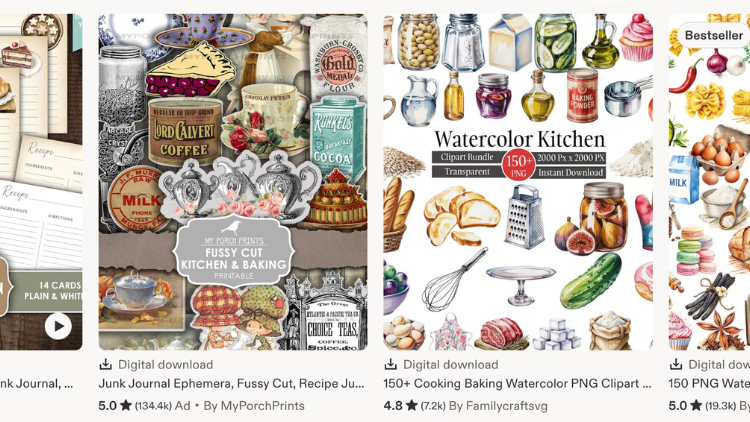
The sales page is refreshingly clear on this. This is a strong fit if you sell or plan to sell printables on Etsy, Gumroad, or similar platforms; if you’re creating KDP low-content or no-content interiors; if you love the cozy kitchen, vintage farmhouse, or cottagecore aesthetic; and especially if you’re not fluent in prompt engineering and don’t want to spend months learning it.
This is not the right fit if you’re working in a completely different niche, you prefer manual design without AI tools, or you’re looking for a tool that requires zero input from you.
Pricing — What You Pay and What You Get
During the launch period, Cozy Kitchen Printable Prompt Studio is priced at $14 — a one-time payment with no monthly fees and lifetime access. The stated regular price after the launch period ends is $154.
Here’s what that $14 includes, with the values listed on the sales page:
The core Custom GPT tool ($47 value), the 10-Step Guided Questioning System ($27 value), the Negative Prompt Library ($17 value), the Canva Editing Notes System ($17 value), and Fast Mode at no extra charge.
Also included free with the launch price are two bonuses: 100 Cozy Kitchen Printable Product Ideas (valued at $27), which gives you a ready-made list of products to create so you never sit staring at a blank page wondering what to make next, and 50 Copy-Paste Kitchen Prompt Seeds (valued at $19), which are ready-to-use prompt starters you can drop directly into the Studio for fast batch production. Total bonus value listed: $46.
All sales are final — the sales page is upfront about this, since the Custom GPT link is delivered instantly on purchase. Read the product details carefully and confirm you have or plan to get a ChatGPT Plus subscription before buying.
Pros and Cons
Pros:
- Built specifically for one niche, which means every feature is relevant rather than generic
- 3-step process and guided questioning system make it genuinely accessible for beginners
- Negative prompts and Canva notes handle technical details beginners typically don’t know to address
- Print-format awareness (margins, bleed, text-safe zones) is built in automatically
- Fast Mode available for experienced users or batch production
- Includes two practical bonuses (100 product ideas + 50 prompt seeds) that reduce friction further
- One-time payment with no recurring fees beyond the required ChatGPT Plus subscription
- Launch price of $14 is a low barrier to test the system
Cons:
- Requires an active ChatGPT Plus subscription ($20/month) — an additional cost for beginners who don’t already have one
- Niche-specific by design, so it won’t serve sellers outside the cozy kitchen, recipe, or farmhouse category
- Results depend on consistent use and willingness to iterate on generated images
- All sales are final, so review carefully before purchasing
Final Verdict on This Cozy Kitchen Printable Prompt Studio Review
For a beginner who has been struggling to get usable images out of AI tools for their Etsy or KDP printable business, this addresses the real problem: it’s not a skills problem, it’s a tool problem. Generic prompts produce generic output, and printable product creators have specific technical needs — correct dimensions, text-safe zones, appropriate margins, consistent style — that general prompt guides don’t address.
The Cozy Kitchen Printable Prompt Studio review conclusion is that the tool is well-matched to the beginner audience it claims to serve. The guided questioning system, the negative prompt library, the Canva notes, and the included product idea and prompt seed bonuses all reduce friction at exactly the stages where beginners tend to get stuck and give up. At $14 during the launch period, the barrier to entry is low enough that it’s worth testing if the cozy kitchen niche is where you’re building your digital product business.
Bonus Section – Get the $100K Business Growth Bonus Vault
When you purchase today, you unlock access to:
- Copywriting & sales messaging training
- Google Ads & paid traffic resources
- Sales closing & negotiation programs
- Ecommerce, Shopify & Amazon business training
- Funnel building & lead generation systems
- YouTube, Instagram & content growth resources
- Agency building & client acquisition training
- Branding, digital product & passive income resources
All designed to help you grow your online business faster — while building stronger marketing, better funnels, and more scalable income systems. Claim it now and start building your own profitable online business system.