300 More Themes. 15 New Niches.
The library you just unlocked = 110 themes, 1,320 prompts. This Upgrade = 410 total themes, 4,920 total prompts — including 300 new themes across 15 niche catalogs. Same 12-prompt × 12-item printable ephemera structure, just with a much bigger catalog to create, list, bundle, and sell from.
Plus: Make Every Sheet Print-Ready.
You also get the 300 DPI Print Studio, so every AI-generated page can become a cleaner, page-sized file buyers can actually print.
Unlock 300 Themes + The 300 DPI Tool ($37)See What The 300 New Themes Can Turn Into
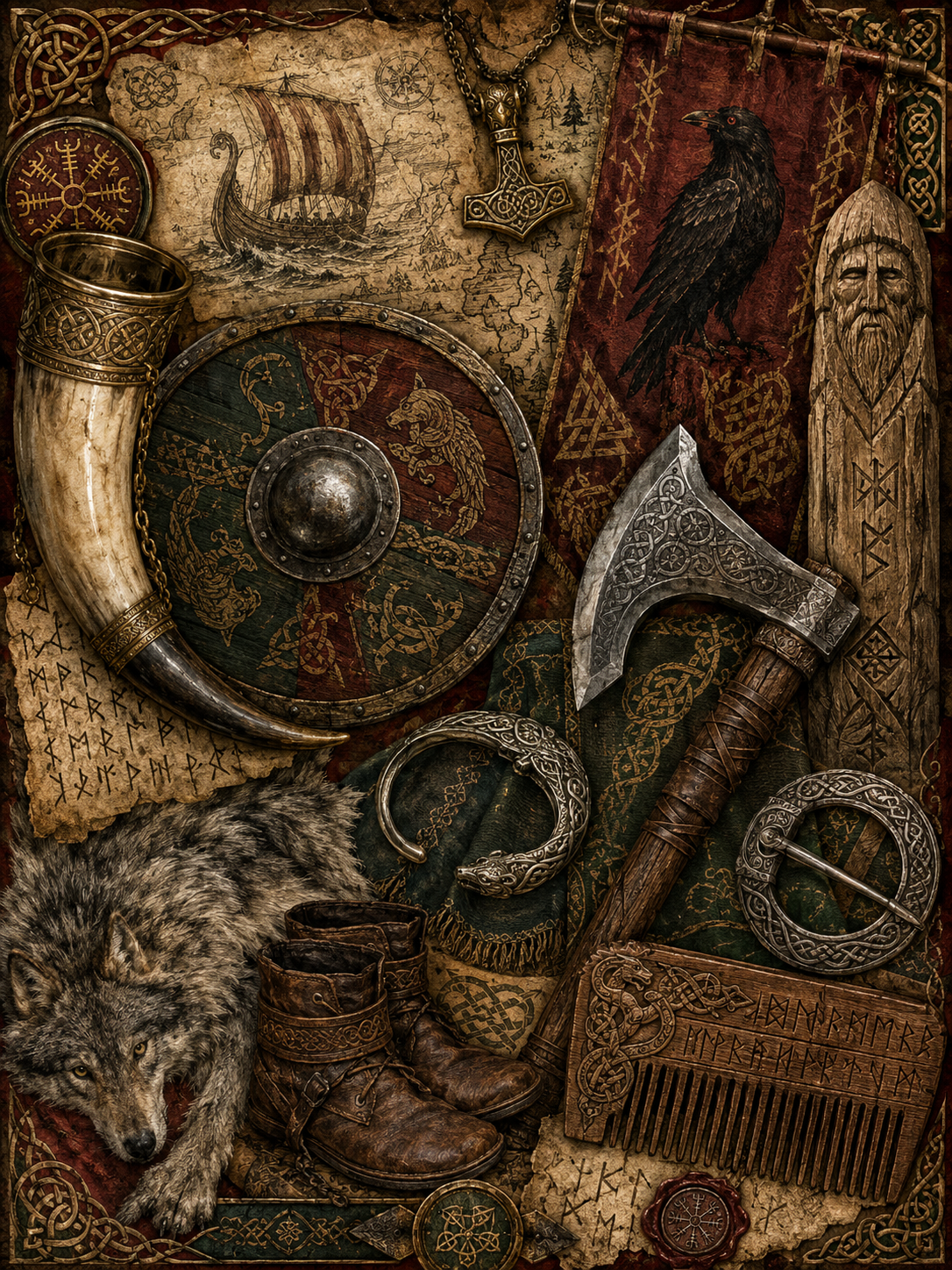
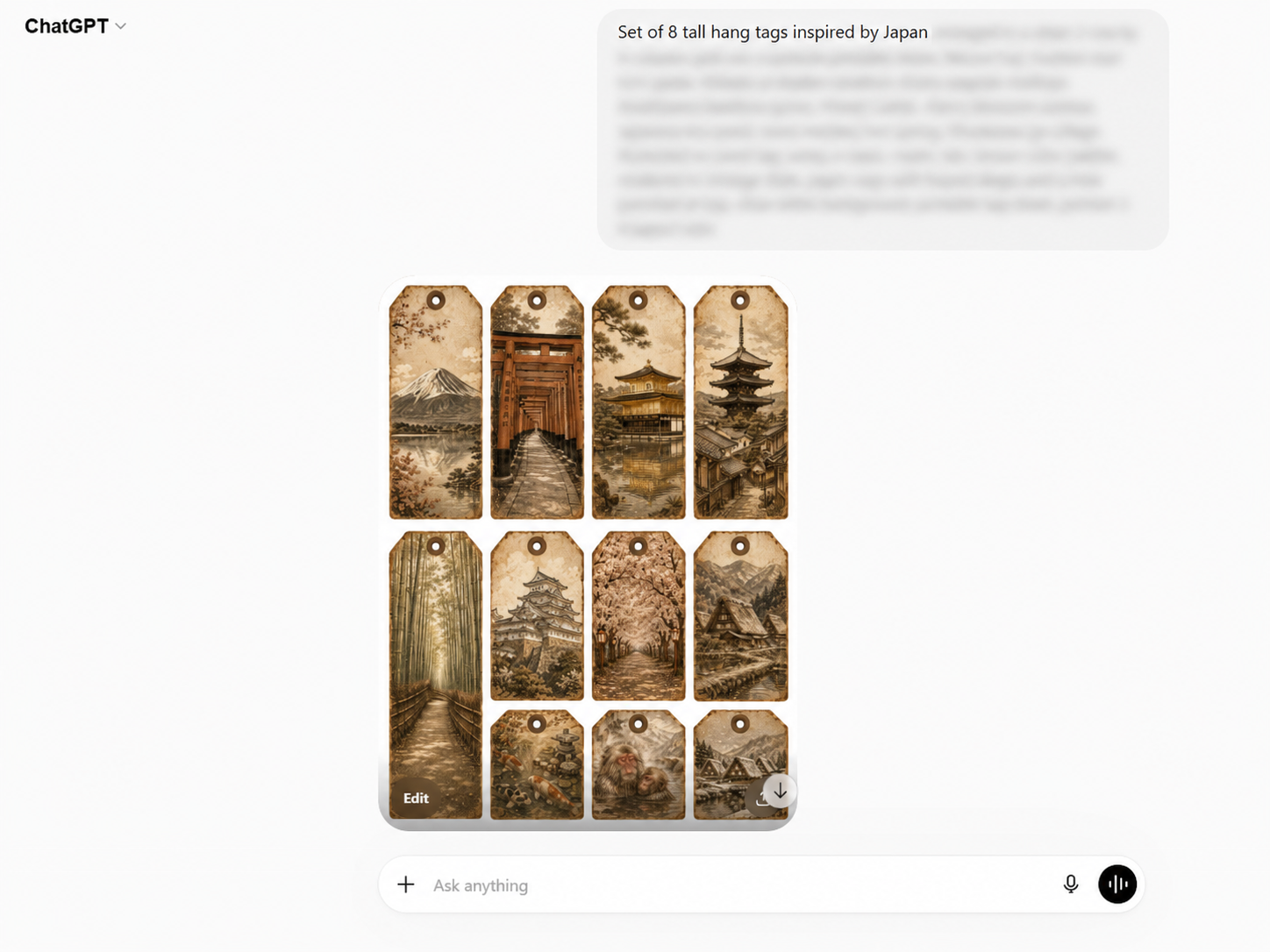
These samples using the same ChatGPT Image 2.0 workflow you already learned in the front-end. Now you are not limited to the first 110 themes — you can generate from 300 more themes across 15 new niches, giving you more printable product directions to create, list, bundle, and sell.
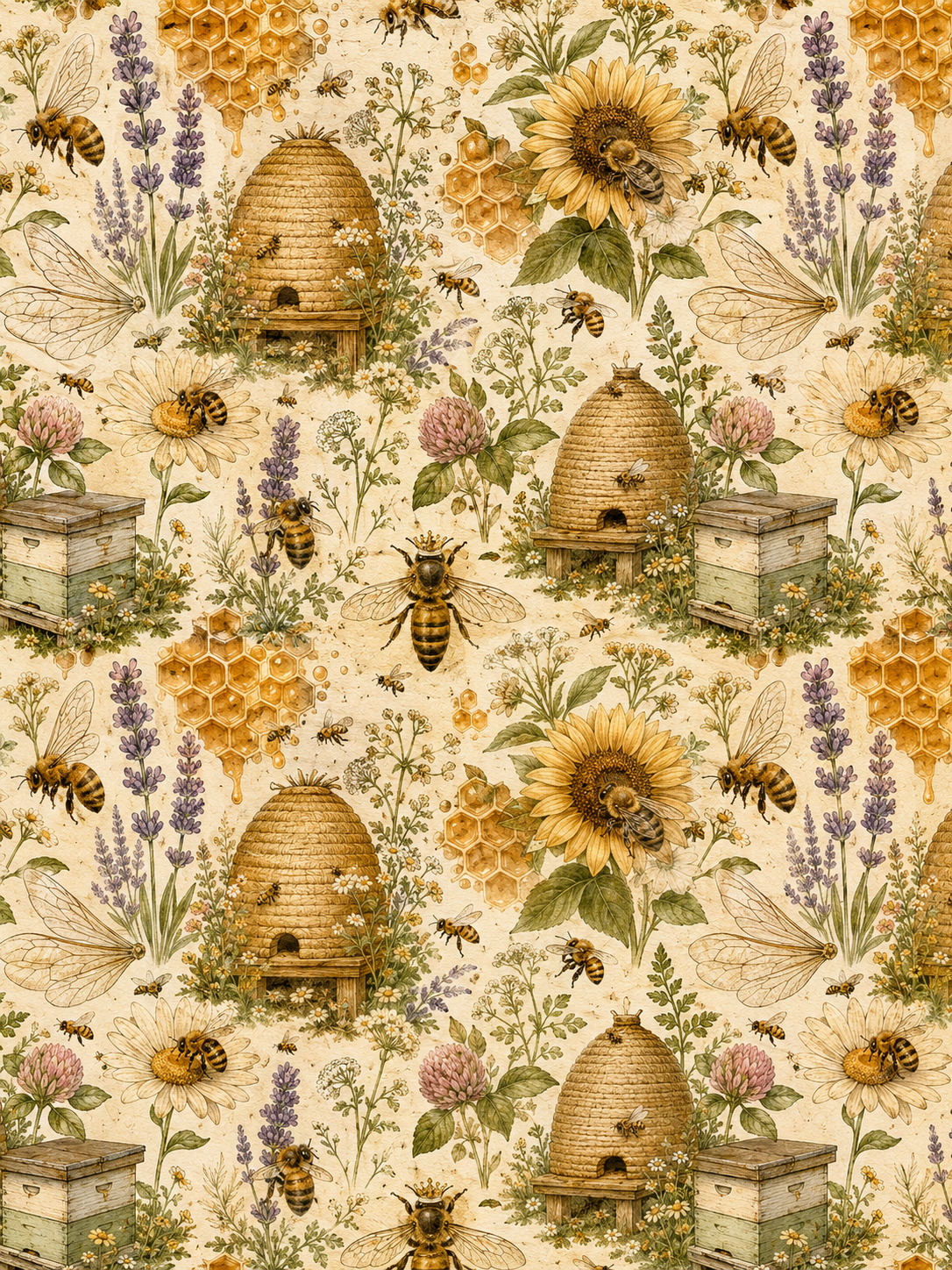
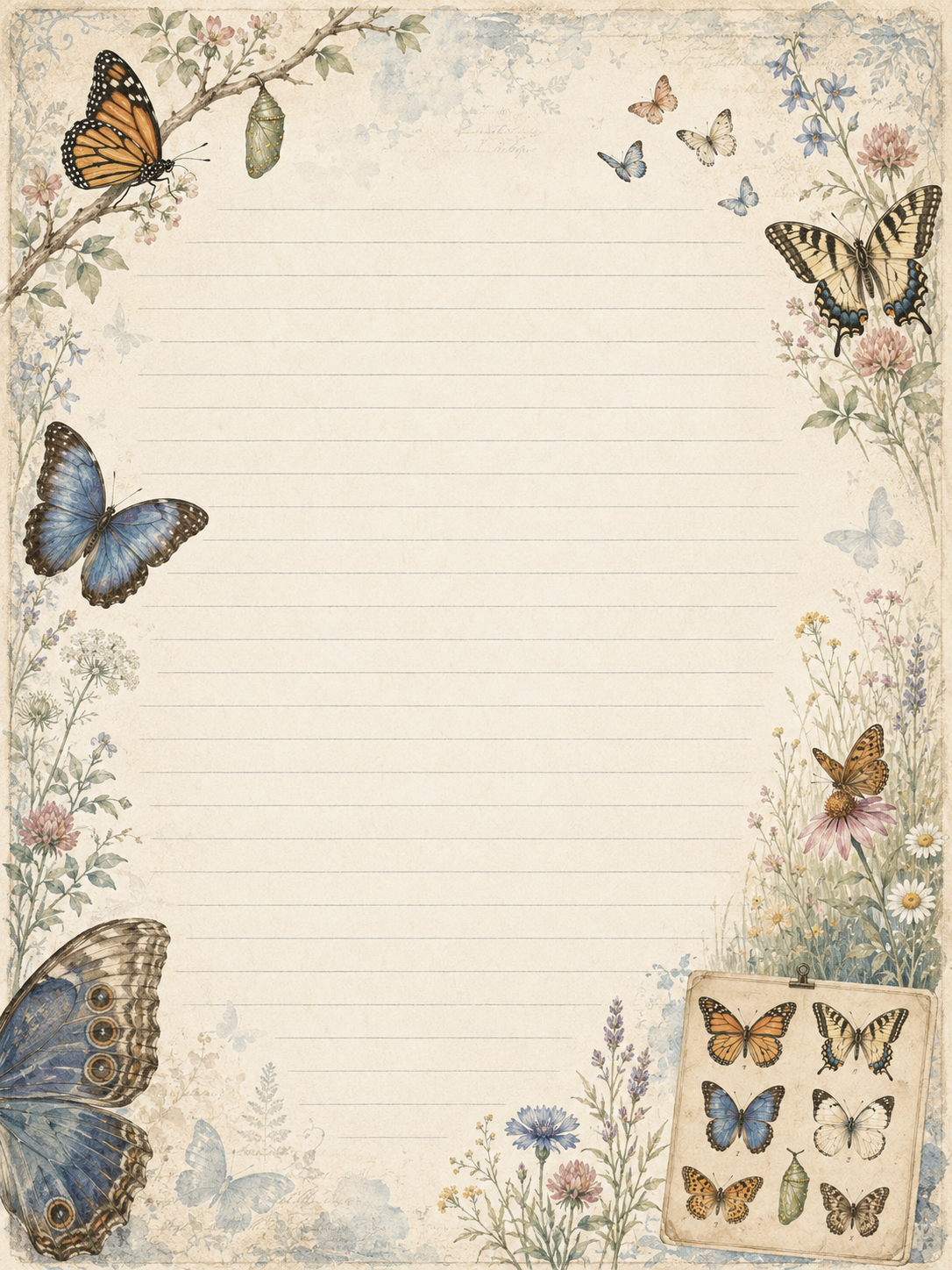
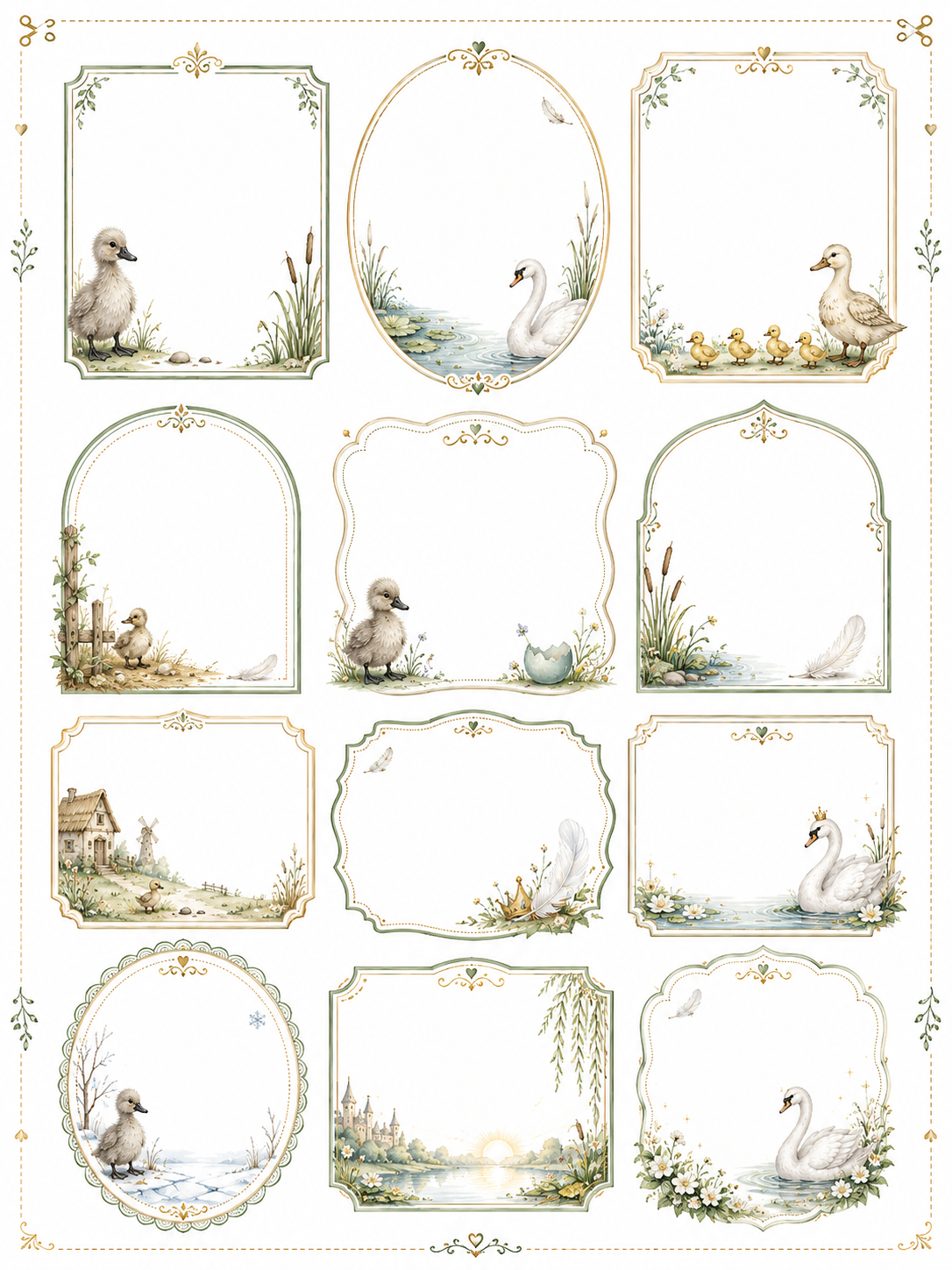
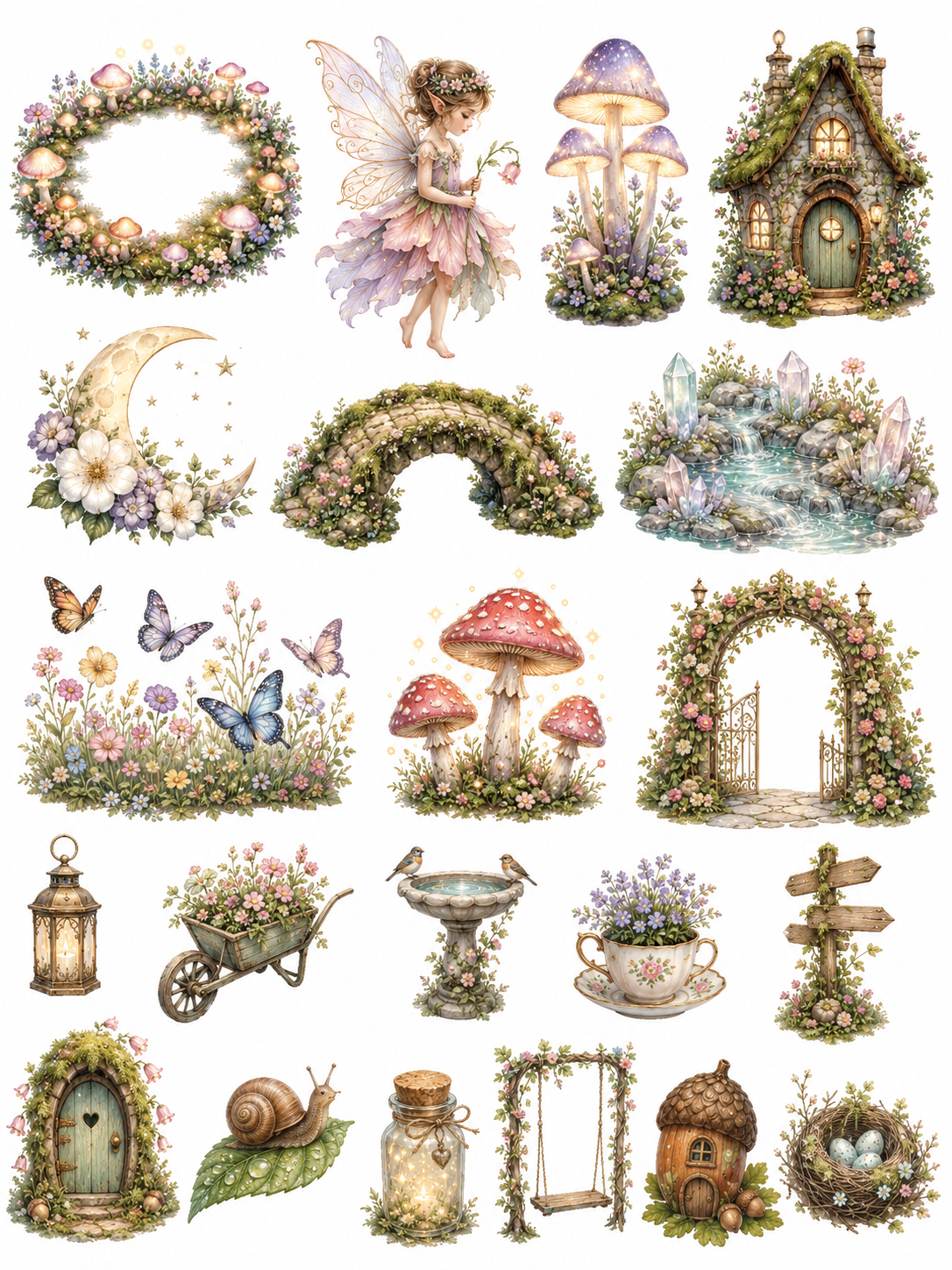
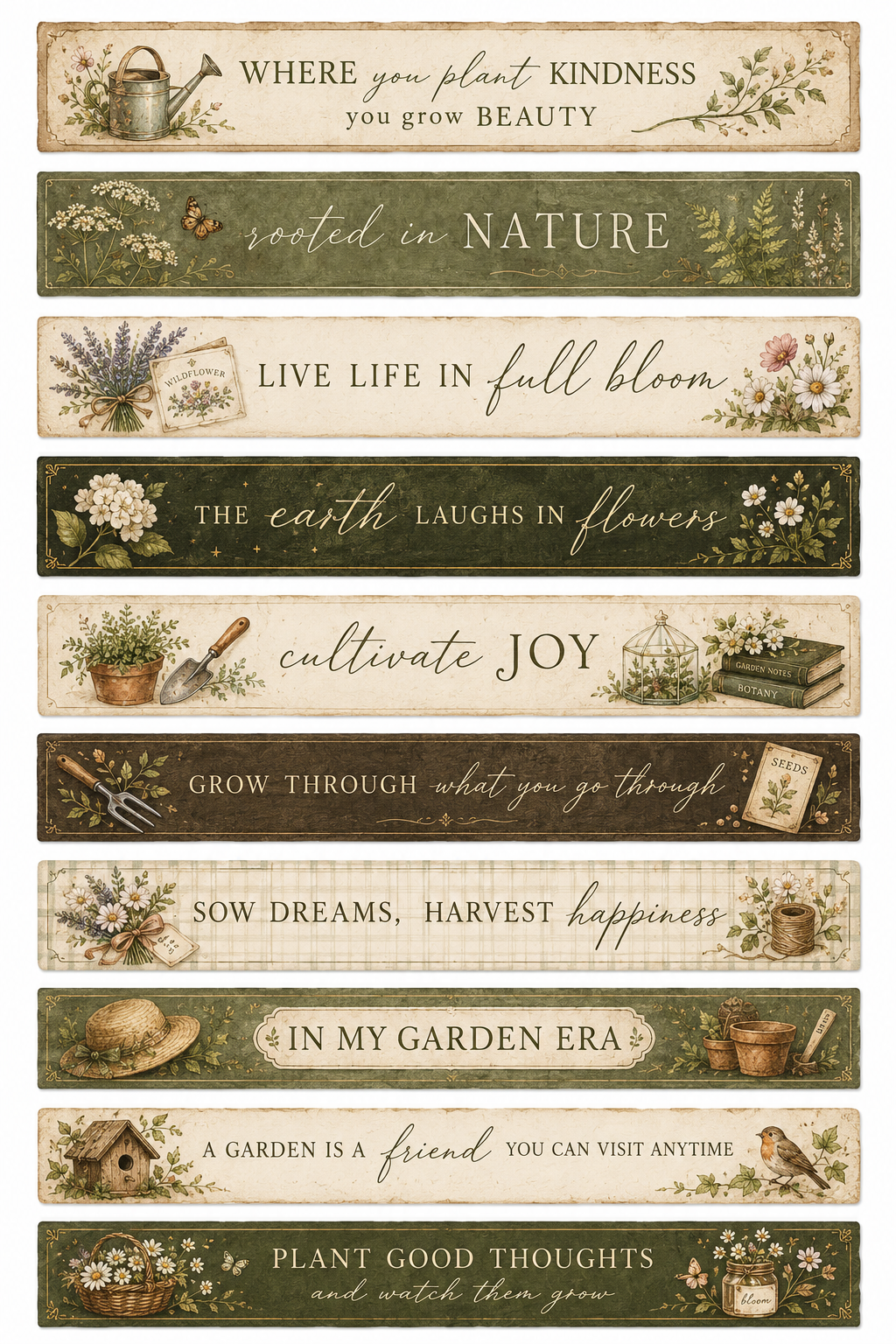
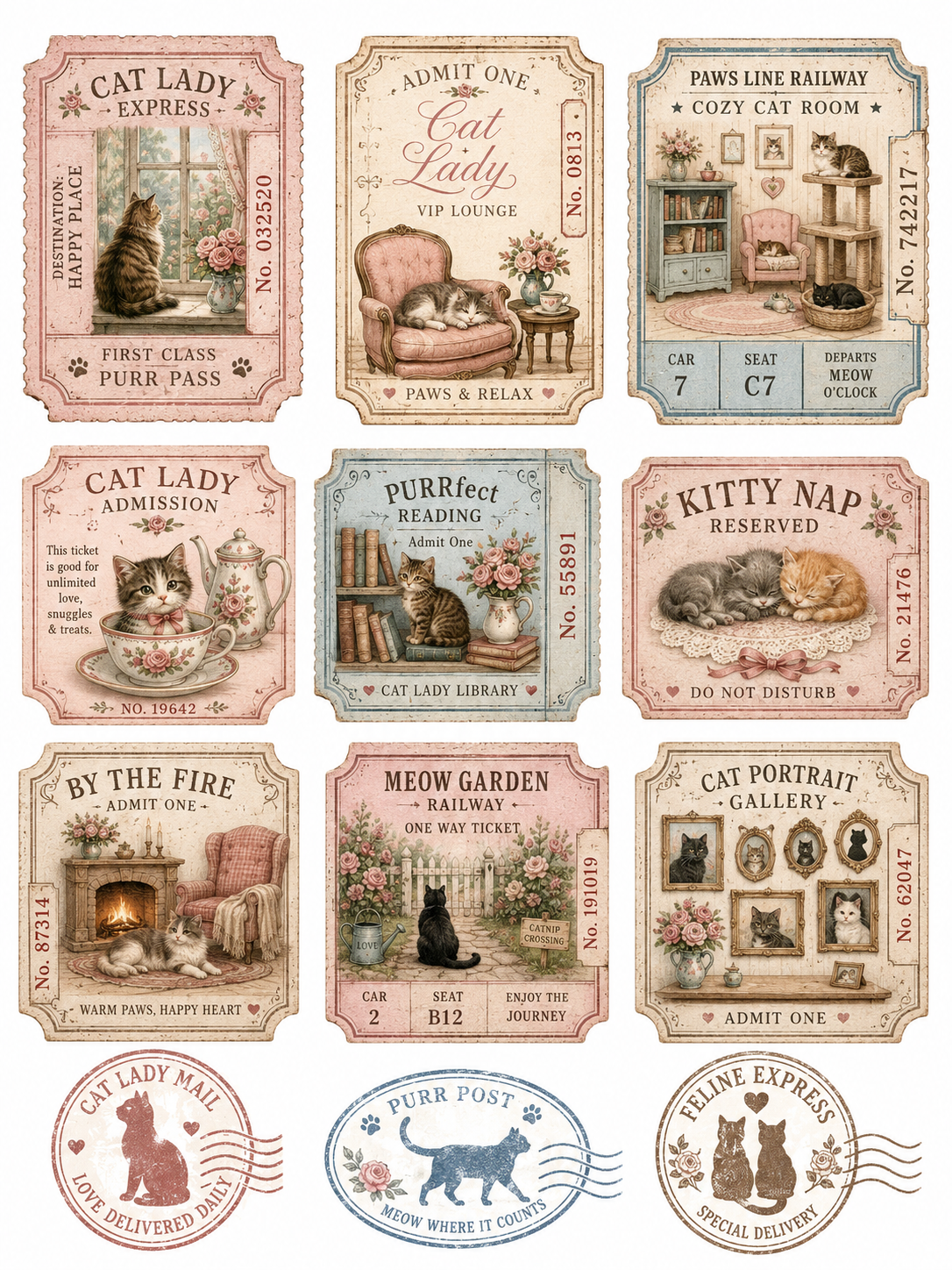
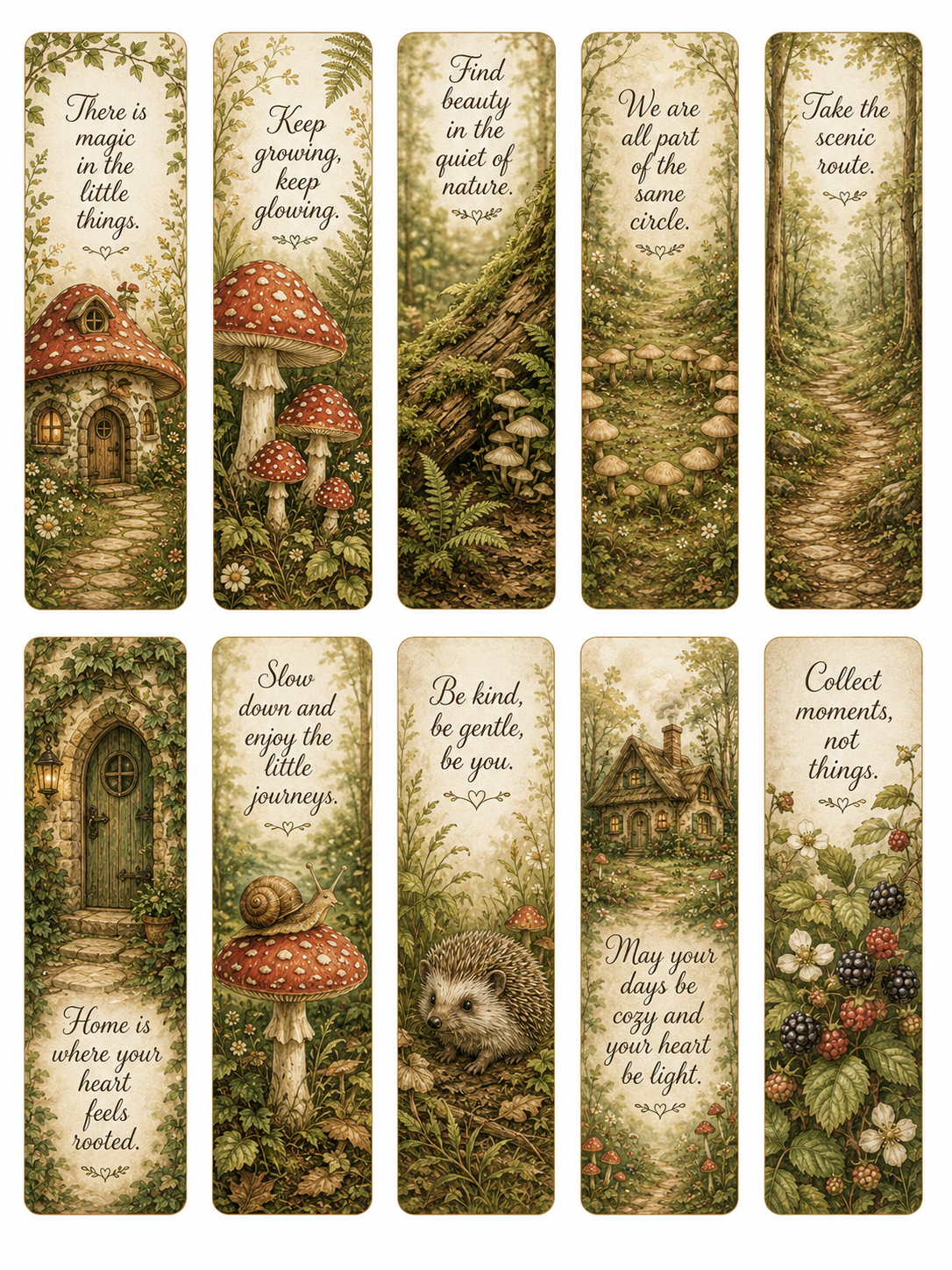
Turn AI Image Outputs Into Printable 300 DPI Files
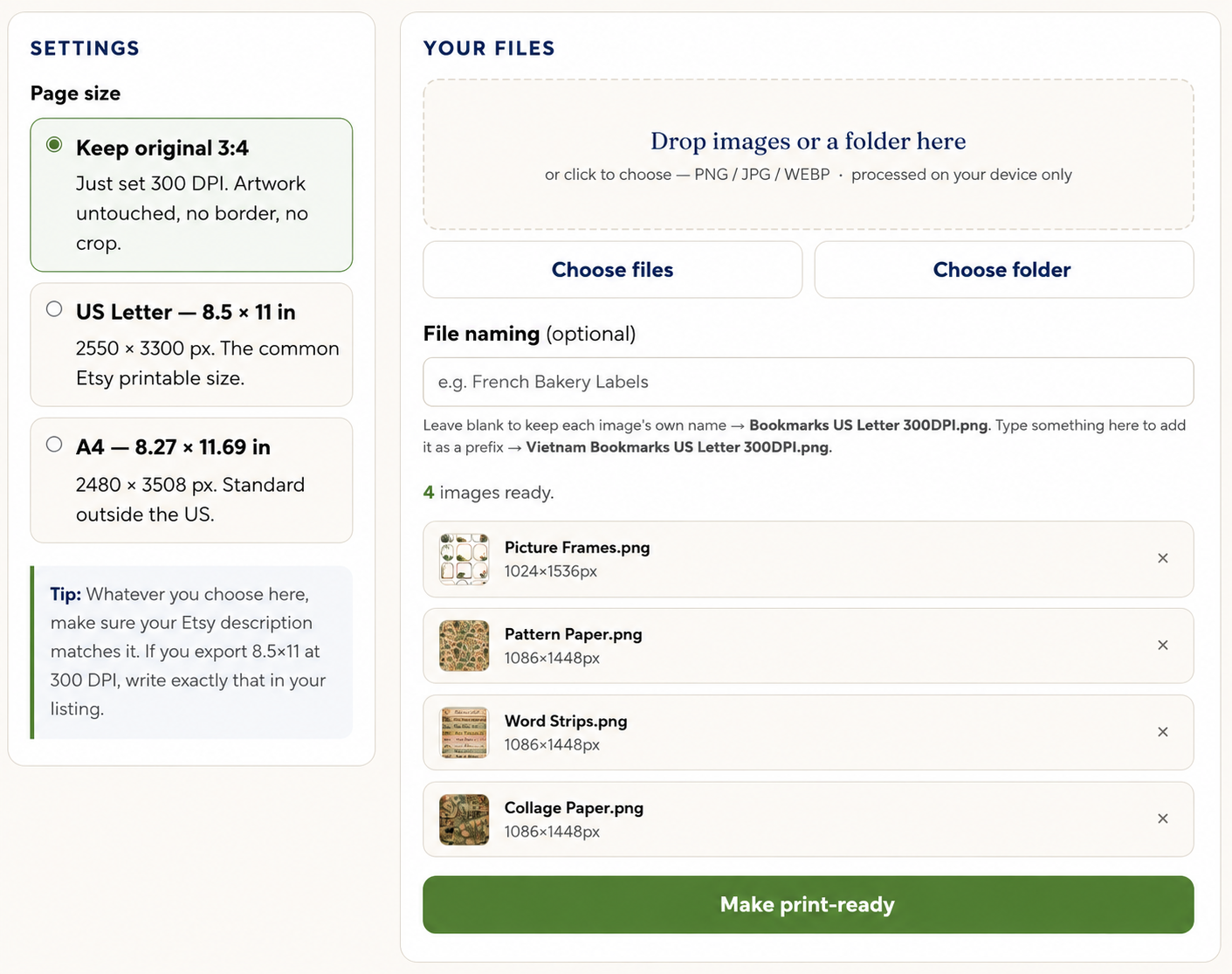
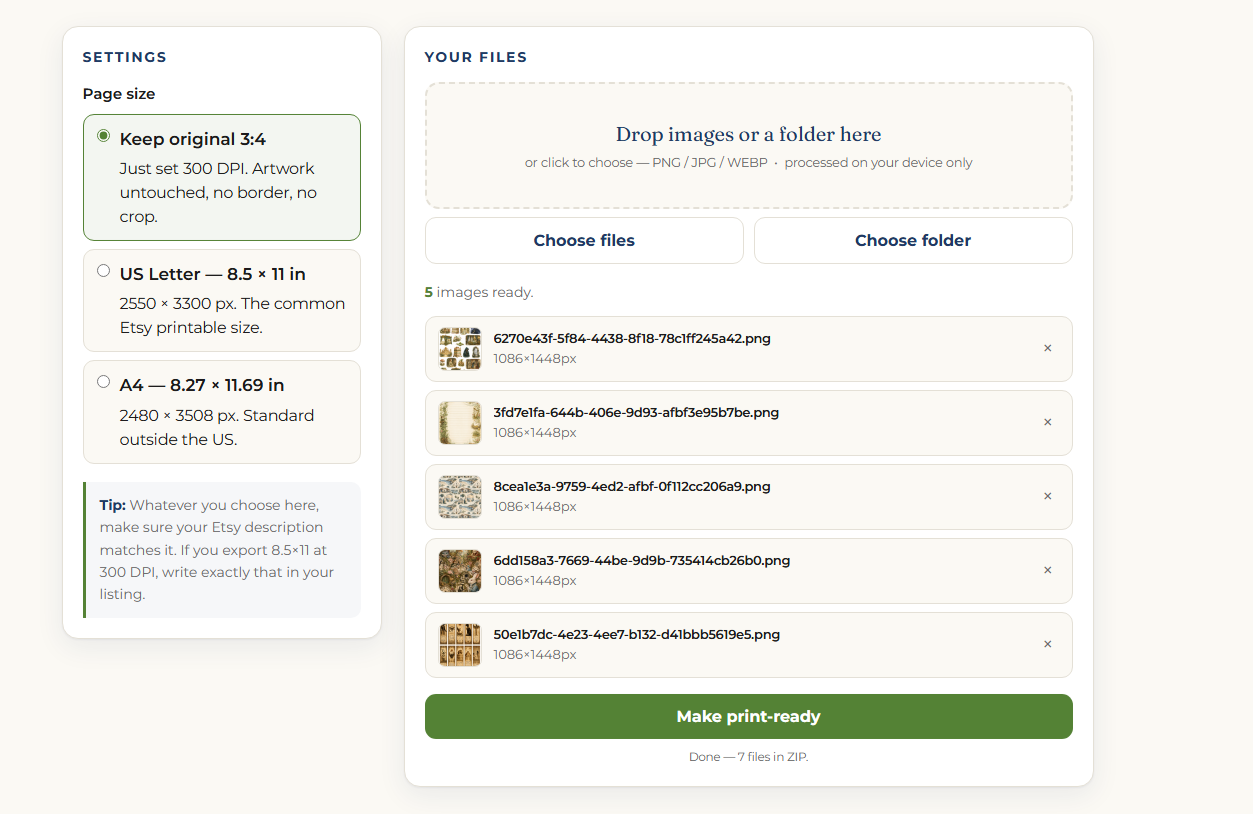
The 300 new themes help you create more printable sheets. The Print Studio helps finish them for delivery: set a true 300 DPI, keep the original 3:4 artwork, or fit the sheet onto real page sizes like US Letter and A4.
Convert your AI-generated PNG, JPG, or WEBP files into proper 300 DPI outputs for cleaner printable delivery.
Keep the original 3:4 artwork untouched, or export to common printable sizes like 8.5×11 and A4.
Drop images or a whole folder into the tool, process multiple sheets, and download the finished files back as a ZIP.
No upload, no account, no monthly software. Your images are processed locally in the browser.
Without The Tool, Scaling Is Slow. With The Tool, The Batch Gets Finished.
The 300 new themes help you generate more printable products. But when you create at volume, the finishing step becomes the bottleneck: DPI, page size, export, naming, and delivery.
More Themes Can Mean More Cleanup
You can generate beautiful AI sheets, but Etsy-style printable delivery still needs clean file specs. When you have dozens of sheets to prepare, that last step costs time, attention, and sometimes extra software.
- You have to check whether each image is actually set to 300 DPI.
- You may need to resize files manually for 8.5×11 or A4 delivery.
- Large batches become repetitive: open, resize, export, rename, repeat.
- Generic tools or paid services can add cost, subscriptions, or upload limits.
- If the file specs are unclear, buyers may struggle to print cleanly.
Your Product Set Is Easier To Finish
Print Studio gives you a simpler finishing workflow for the files you generate from the new themes. Instead of fixing each image by hand, you can prepare a batch for printable delivery faster.
- Set your generated sheets to true 300 DPI.
- Keep the original 3:4 format or fit the design to US Letter / A4.
- Drop in multiple images or an entire folder at once.
- Download the finished files as a ZIP for easier product packaging.
- Finish more printable products without paying for extra monthly software.
300 Themes, Organized Into Niches Buyers Search For
Instead of one giant list, the new themes are grouped into 15 niche catalogs — so each one can become its own coordinated printable product line.
From New Theme To Finished Printable File In One Simple Flow
OTO2 does not change the workflow you already learned. It expands it: more themes to generate from, then a faster finishing step to turn those outputs into cleaner printable files.
Pick One Of The 15 Niches
Start with a niche catalog like Botanical, Witchy, Travel, Food, Fairytale, Gothic, Island, or Mythology instead of going back to the same front-end themes.
Choose A New Theme
Select one of the 300 new themes inside that niche. Each theme gives you a fresh printable product direction you can turn into a set, bundle, or listing.
Copy The Prompt And Generate
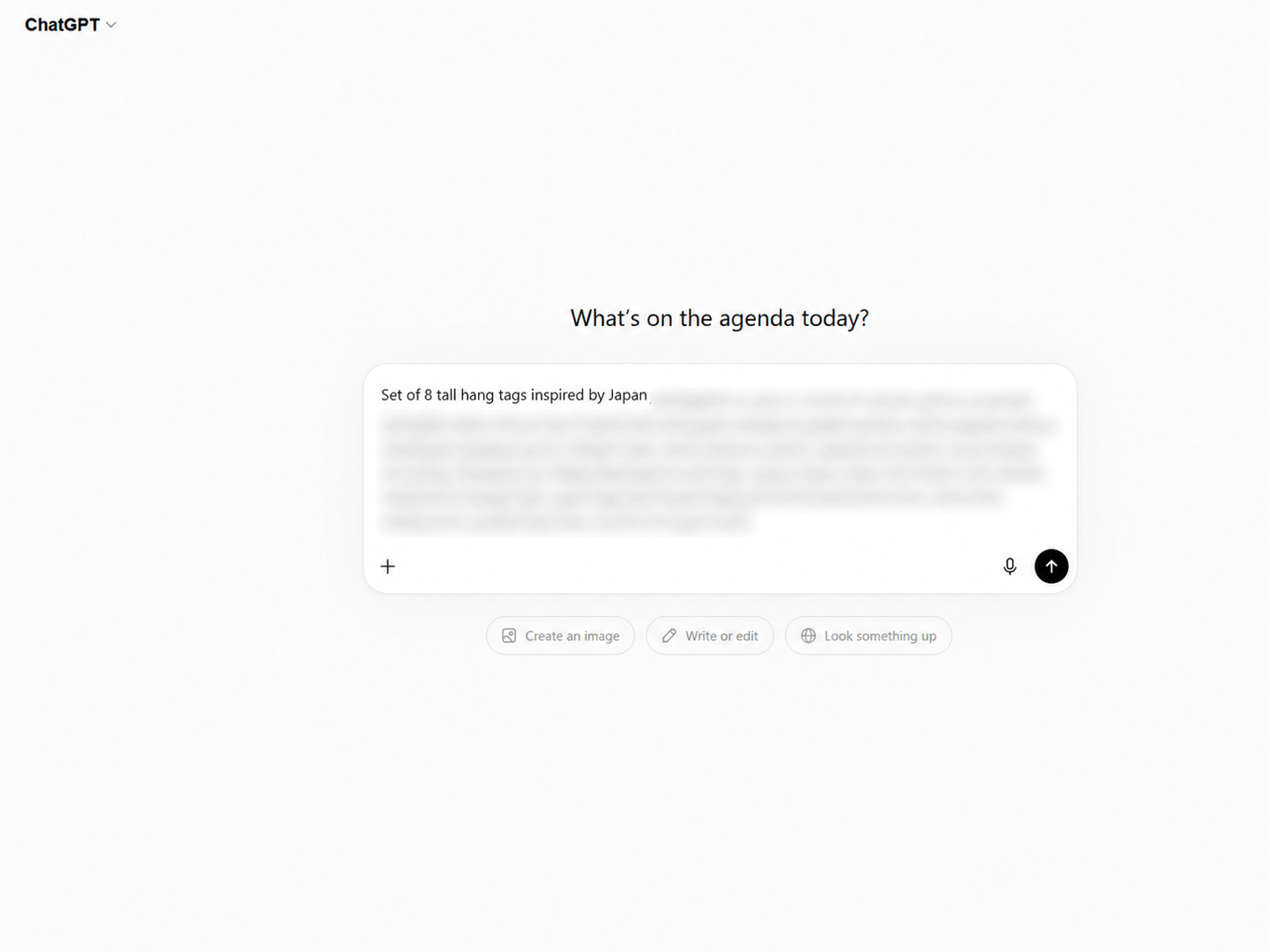
Use the same 12-prompt printable ephemera structure from the front-end. Copy the prompt, paste it into ChatGPT Images, and generate your sheet.
Run The 300 DPI Print Studio
Drop your generated images into the tool. Keep the original 3:4 layout, or export to US Letter / A4 while setting the files to true 300 DPI.
Package, List, And Repeat
Download your finished files or ZIP batch, package them for Etsy-style digital delivery, then move to the next theme or niche and repeat the process.
This Upgrade Is For Sellers Who Want To Scale The Catalog
OTO2 is not for people who only want to test one or two prompts. It is for printable sellers who want more themes, more niche directions, and a faster way to finish files for delivery.
This Is For You If...
- You want to expand from 110 themes to a complete 410-theme library.
- You want 300 more niche-driven themes instead of guessing what to create next.
- You plan to create printable products for Etsy, Gumroad, Payhip, or your own shop.
- You want organized niche catalogs like Witchy, Botanical, Fairytale, Travel, Gothic, Food, and more.
- You want to generate more product sets, bundles, and listing angles from the same workflow.
- You need a simple way to set outputs to 300 DPI and prepare printable delivery files.
- You want to batch-process multiple images or folders instead of resizing one file at a time.
Skip This If...
- You are happy with only the 110 front-end themes and do not want more catalog depth.
- You do not plan to create or sell printable ephemera products.
- You already have a reliable 300 DPI and page-size workflow that you like using.
- You only want finished printable products, not prompts, themes, and a finishing tool.
- You do not need batch processing or folder-based export.
- You expect guaranteed sales instead of a bigger creation system and faster production workflow.
Unlock The Full Upgrade
Get the complete 300-theme expansion, the new niche catalogs, the extra prompts, and the 300 DPI Print Studio in one upgrade.
Try 300 DPI Ready + 300 New Themes risk-free. If you are not satisfied with your purchase, contact support within 30 days and we will help you according to our refund policy.
Quick Questions
Here is what this upgrade includes, how it fits with the front-end, and what you can do with the themes, prompts, and 300 DPI tool.
Do I need the front-end product to use this?
Yes. OTO2 is built as a completion upgrade to the main Printable Ephemera Prompt Library. The new themes use the same 12-prompt printable ephemera structure, so they fit into the workflow you already unlocked.
How many themes will I have after this upgrade?
You will have 410 total themes. The front-end gives you 110 themes, and this upgrade adds 300 more themes across 15 niche catalogs.
How many new prompts are included?
OTO2 adds 3,600 new copy-paste prompts. That comes from 300 new themes × 12 printable ephemera prompt types.
What are the 15 niche catalogs?
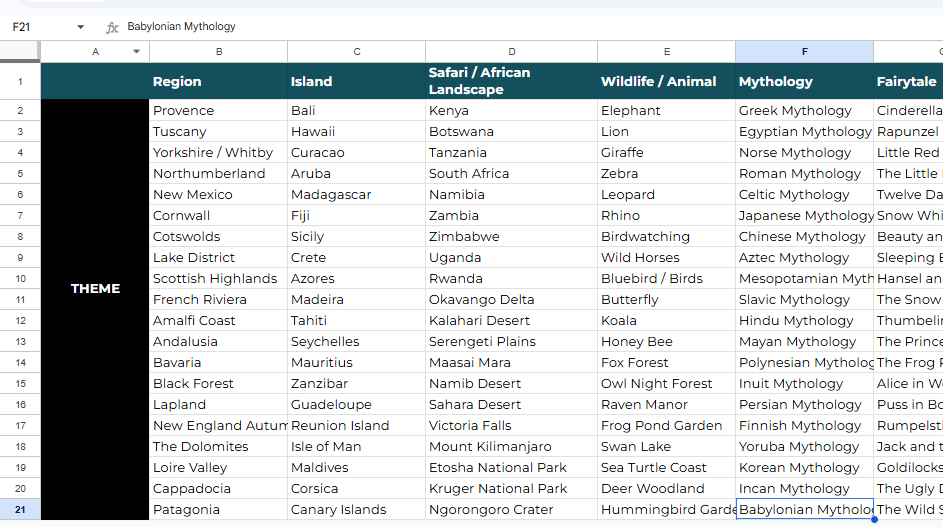
The new themes are organized into niche groups such as Region, Island, Safari & African Landscape, Wildlife & Animal, Mythology, Fairytale, Fantasy & Folklore, Witchy & Occult, Gothic / Academia / Antique, Arts / Music / Literature, Occupation & Lifestyle, Botanical / Garden / Floral, Seasonal & Holiday, Travel, and Food / Café / Kitchen.
What does the 300 DPI Print Studio do?
It helps turn your AI-generated sheets into cleaner printable delivery files. You can set outputs to true 300 DPI, keep the original 3:4 format, or fit files onto common page sizes like US Letter 8.5×11 and A4.
Can I process multiple images at once?
Yes. You can drop in multiple images or a whole folder, process the files in bulk, and download the finished outputs as a ZIP.
Are my images uploaded anywhere?
No. The 300 DPI Print Studio runs in your browser on your own computer. Your images are processed locally and are not uploaded to a server.
Do I need Photoshop or a paid resizing tool?
No. The point of the Print Studio is to avoid opening every file in separate editing software just to set DPI, resize to page format, and export one file at a time.
Can I sell the printable products I create?
Yes. You can sell the printable pages and products you generate using the prompts and themes, just like with the front-end commercial output license.
Can I resell the raw prompts, theme files, or the tool?
No. This OTO2 license lets you use the themes, prompts, and tool to create your own printable products. It does not let you resell, share, give away, publish, or redistribute the raw prompt library, theme files, tool, templates, or source materials unless you receive a separate PLR / Resell License Upgrade.
Is this a new workflow to learn?
No. It expands the same workflow from the front-end. You choose a theme, copy a prompt, generate the image, then use the 300 DPI Print Studio to finish the file for printable delivery.
Does this guarantee Etsy sales?
No. This upgrade gives you more creation assets and a faster finishing workflow. Sales depend on your listings, pricing, presentation, keywords, niche choice, and marketplace demand.